 editer@kidkosh.in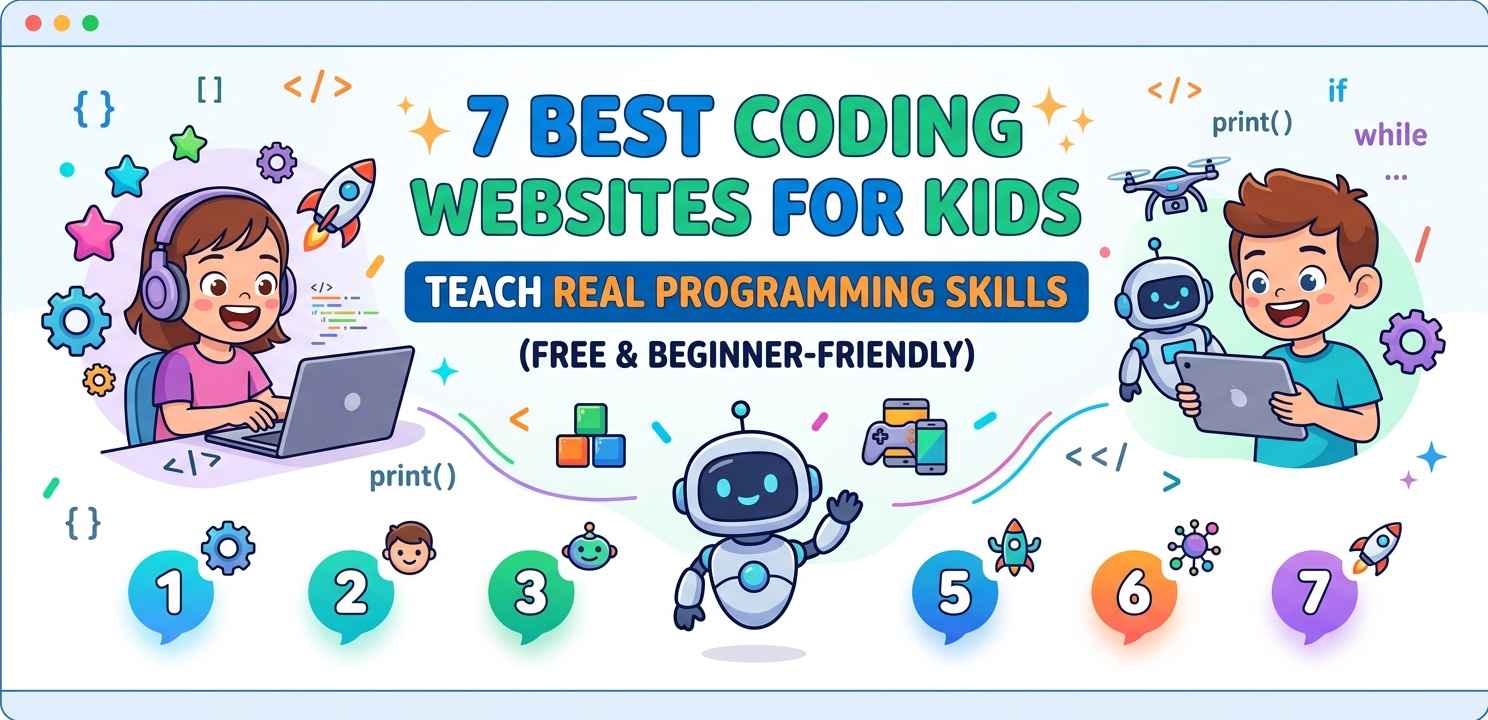
If you’re searching for coding websites for kids that actually teach something useful — not just drag-and-drop puzzles — you’re in the right place. Most parents and teachers want children to build real skills, not just finish levels in a game.
The good news is there are some genuinely solid platforms out there. Some of them are completely free. And a few of them will take a kid from zero to writing actual Python or JavaScript. Let’s go through the seven best ones worth your time.
Why Kids Should Start Coding Early
This isn’t about pushing every child to become a software engineer. It’s more about how programming teaches a kind of thinking — breaking problems into steps, spotting errors, testing ideas. That’s useful everywhere.
Also, the earlier kids start with coding websites for kids, the more naturally they pick up the logic. It’s a bit like learning a language. Younger learners absorb it faster, and it doesn’t feel like work to them.
1. Scratch — The Best Starting Point for Young Beginners
Scratch, made by MIT, is probably the most well-known of all the coding websites for kids. It uses a visual block-based approach where children drag and snap code blocks together to build animations, games, and stories.
There’s no typing syntax, no error messages about missing semicolons — just blocks that fit together logically. Kids can share their projects publicly, which gives them a real sense of audience and pride.
What Kids Actually Learn on Scratch
On Scratch, kids pick up sequencing, loops, conditionals, and events — which are the same concepts used in real programming languages. It’s a proper foundation, not fluff.
If your child has never touched code before, Scratch is the right first stop. You can explore Scratch at scratch.mit.edu.
2. Code.org — Structured Curriculum That Actually Progresses
Code.org is one of the most widely used coding websites for kids in schools globally. It has structured courses for different age groups — from kindergarteners to high schoolers — and the difficulty genuinely increases as kids move through them.
Their “Hour of Code” activities (especially the Minecraft and Star Wars ones) are a clever entry point for reluctant learners. The characters make it fun, but the coding logic underneath is solid.
Why Teachers Love Code.org
Teachers can create classrooms, track student progress, and assign specific courses. That makes it unusually practical for homeschool parents too.
For kids in the 10–14 range, the “CS Discoveries” course is a standout. It gradually moves from block coding into actual JavaScript. Check out their full course catalog at code.org.
3. Khan Academy — Where Kids Write Real Code
Khan Academy’s computing section is one of the more underrated coding websites for kids. It teaches actual JavaScript and SQL through interactive exercises with a built-in editor. You type code, you see results in real time.
The content is calm, clear, and well-paced. There’s no pressure, no timers, no competitive elements — just a learner working at their own speed.
The “Intro to JS” Course Is Genuinely Good
This course starts from scratch (no pun intended) and builds up to drawing shapes, making animations, and writing simple programs. It’s text-based coding, which means kids are learning real syntax that transfers to other languages later.
4. Tynker — Best for Kids Who Want to Build Games
Tynker sits somewhere between Scratch and professional development. It’s one of the coding websites for kids that handles the gap between visual blocks and real text code pretty well.
The free version gives access to a decent number of courses. Paid plans add more, but plenty of kids get solid mileage from the free tier alone.
From Blocks to Python in Tynker
One thing Tynker does well is a side-by-side view where kids can see the block code they built and then toggle to see its Python equivalent. That transition from visual to text is one of the trickiest parts of learning to code, and Tynker handles it thoughtfully.
5. Codecademy — For Older Kids Ready for Text-Based Coding
Codecademy is aimed more at teenagers and adults, but motivated 12–13 year olds can absolutely handle it. Among coding websites for kids at that level, it’s one of the most comprehensive options available.
Their Python course is especially strong. It’s well-structured, the exercises give immediate feedback, and there’s a logical progression from printing text all the way to working with functions and data structures.
What the Free Tier Covers
The free tier on Codecademy includes the core content for Python, HTML/CSS, and JavaScript. That’s quite a lot, actually. Kids won’t need a paid plan until they want career-path features like projects and certificates.
6. CS First by Google — Great for Classroom or Group Use
Google’s CS First is a curriculum-based program among coding websites for kids that pairs nicely with Scratch. It provides video lessons, activity guides, and club-style learning formats that work well for groups.
It’s been especially popular with after-school clubs and community programs. The themed units — sports, fashion, music, storytelling — give kids a sense of creative ownership over what they build.
No Technical Background Needed for Educators
One underrated feature: the platform is designed so that teachers or parents with no coding experience can still run a session confidently. The video lessons do a lot of the explaining.
7. Replit — For Kids Who Are Ready to Build Real Projects
Replit is a browser-based coding environment where kids can write code in Python, JavaScript, HTML, and dozens of other languages and run it instantly. It’s not a course platform — it’s a proper development environment.
Among coding websites for kids at an intermediate-to-advanced level, Replit is where a young coder can stop following tutorials and start building actual things. You can make websites, bots, simple games, and more.
Why Replit Feels “Real”
There’s something motivating about working in a tool that actual developers use too. It’s not a simulation or a simplified toy. Kids can share their projects with a link and others can interact with whatever they’ve built — that’s a big deal for motivation.
How to Choose the Right Platform for Your Child
Not every platform fits every kid, and that’s fine. Here’s a rough guide:
- Ages 6–9: Start with Scratch or Code.org’s younger courses
- Ages 10–12: Scratch + Khan Academy’s JS intro, or Tynker
- Ages 13–15: Codecademy Python, CS First, or Khan Academy
- Ages 16+: Replit, Codecademy Pro courses, or move into full tutorials on YouTube with Replit as the workspace
The bigger point is to match the tool to where the child currently is, not where you hope they’ll be in six months.
Tips for Parents Helping Kids Learn to Code
You don’t need to know how to code yourself to support a child who’s learning. Here’s what actually helps:
Give them regular time rather than occasional long sessions. Even 20 minutes a few times a week builds more than a rare 2-hour sitting. Let them pick projects they care about — a kid who loves Minecraft will be way more persistent than one who’s been assigned a random exercise.
And when they get stuck, resist the urge to fix it for them right away. That frustration of figuring something out is part of what makes the learning stick.
Final Conclusion
Coding websites for kids have come a long way. The seven platforms covered here — Scratch, Code.org, Khan Academy, Tynker, Codecademy, CS First, and Replit — represent a clear path from complete beginner to someone who can write real programs.
The best one is simply whichever one your child will actually use. Start somewhere accessible, stay consistent, and let curiosity do most of the work. Programming isn’t just a career skill anymore — it’s a way of thinking that pays off in all kinds of directions.