 editer@kidkosh.in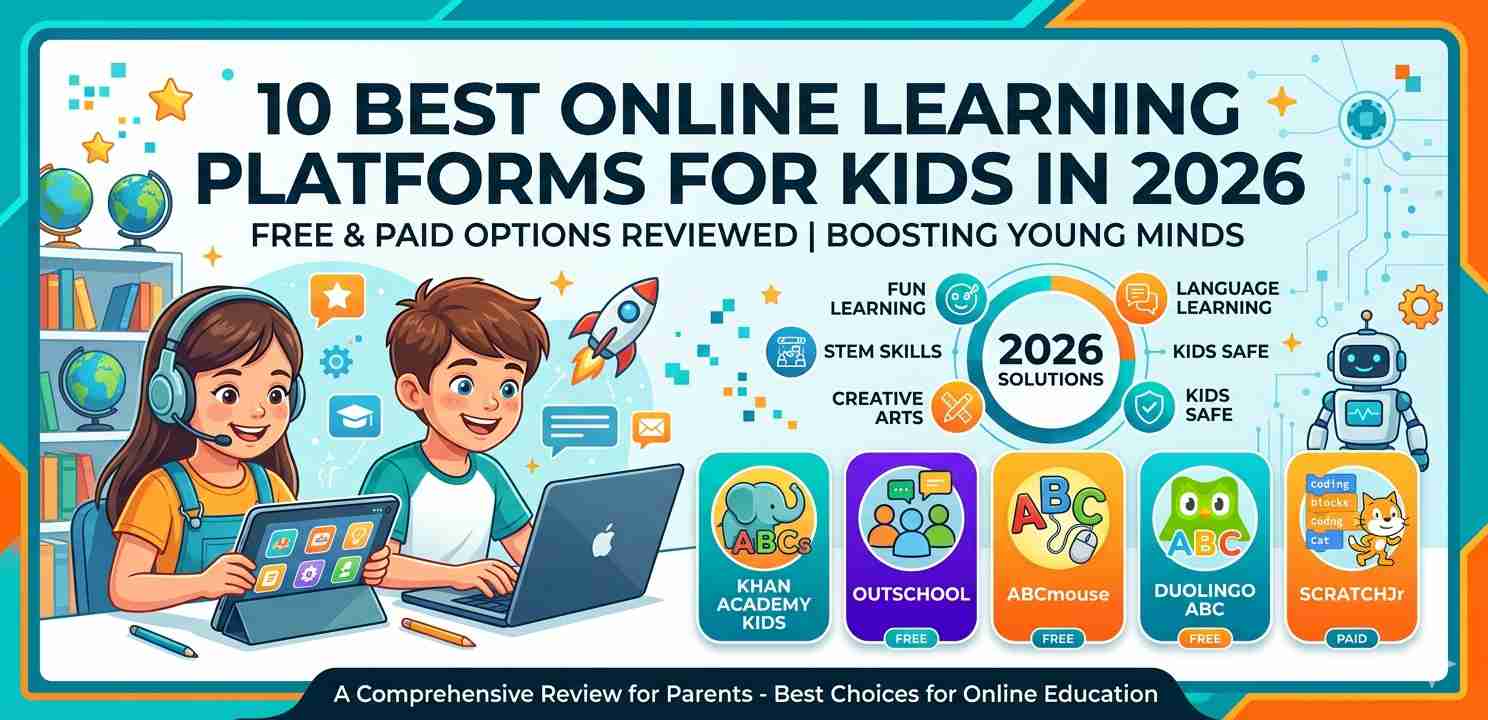
Finding the right online learning platforms for kids can feel like searching for a needle in a haystack. There are hundreds of options out there — some brilliant, some honestly not worth your time. As a parent or educator, you want something that actually keeps your child engaged, teaches real skills, and doesn’t drain your wallet. This guide breaks down 10 of the best choices available in 2026, covering both free and paid options, so you can make a confident decision.
Why Online Learning Platforms for Kids Matter More Than Ever
A few years ago, “online school” mostly meant watching a video and answering a quiz. That’s changed a lot. Today’s platforms use adaptive learning, interactive exercises, and even game-like rewards to keep children genuinely interested.
For kids aged 4 to 16, the right platform can supplement school lessons, fill learning gaps, or even introduce subjects that schools don’t cover deeply — like coding, financial basics, or creative writing.
But not every platform suits every child. Age, subject interest, learning pace — all of these matter. Let’s get into the list.
1. Khan Academy — Best Free All-Rounder
Khan Academy is probably the most well-known among all online learning platforms for kids. And honestly, it earns that reputation. It covers maths, science, history, reading, economics, and even SAT prep — all completely free.
The platform adjusts difficulty based on how a child performs. If your kid keeps getting maths problems wrong, the system backs up and reinforces earlier concepts before moving forward. That kind of structure is genuinely useful.
Best for: Ages 4–18, all subjects Cost: Free
2. Prodigy Math — Gamified Maths Practice
Prodigy turns maths into an adventure game. Kids create a wizard character and battle monsters by answering maths questions. It sounds simple, but the engagement level is surprisingly high — especially for children who usually avoid maths like the plague.
Teachers and parents can both track progress through a dashboard. The free version is solid, though the paid membership unlocks extra game content (not extra learning content, just cosmetics and in-game perks).
Best for: Ages 6–14, maths Cost: Free (paid upgrade available)
3. Duolingo ABC — For Early Readers
Most people know Duolingo for language learning, but Duolingo ABC is specifically built for children learning to read. It covers letter sounds, phonics, and basic reading in short, playful lessons that run about 5 minutes each.
As one of the more focused online learning platforms for kids, it keeps things simple. There’s no overwhelming interface, no confusing menus. Just a clean, friendly app experience. It’s fully free, which makes it even better.
Best for: Ages 3–7, early literacy Cost: Free
4. Tynker — Learning to Code
If your child is even slightly interested in coding, Tynker is worth a serious look. It teaches programming through visual block coding first, then transitions to Python and JavaScript for older kids. The learning path is gradual and doesn’t overwhelm beginners.
There are also project-based lessons where kids build actual games and apps. That hands-on feeling makes a big difference — children learn better when they’re creating something real rather than just watching someone else do it.
Best for: Ages 7–18, coding and technology Cost: Paid (free trial available)
For more resources about teaching technology skills to children, this overview from Common Sense Media on digital literacy is worth reading.
5. Outschool — Live Classes with Real Teachers
Outschool is different from most online learning platforms for kids in one key way: it’s live. Children attend small-group video classes taught by real instructors, not pre-recorded videos. Topics range from traditional subjects to wildly creative ones like creative writing, drawing, and even philosophy for kids.
It’s a paid service, but the variety is unmatched. If your child has a very specific interest — say, marine biology or storytelling — there’s likely a class for it on Outschool.
Best for: Ages 3–18, wide range of subjects Cost: Paid per class
6. Scratch — Free Creative Coding from MIT
Scratch is a free, browser-based platform developed by MIT where kids create their own games, animations, and interactive stories using visual programming. It has one of the largest online communities of young creators in the world.
Unlike structured courses, Scratch encourages experimentation. There’s no set curriculum — children just dive in and start building. That freedom is a strength for creative learners, though some kids may need a bit of guidance at first to get started.
Best for: Ages 8–16, coding and creativity Cost: Free
7. IXL Learning — Curriculum-Aligned Practice
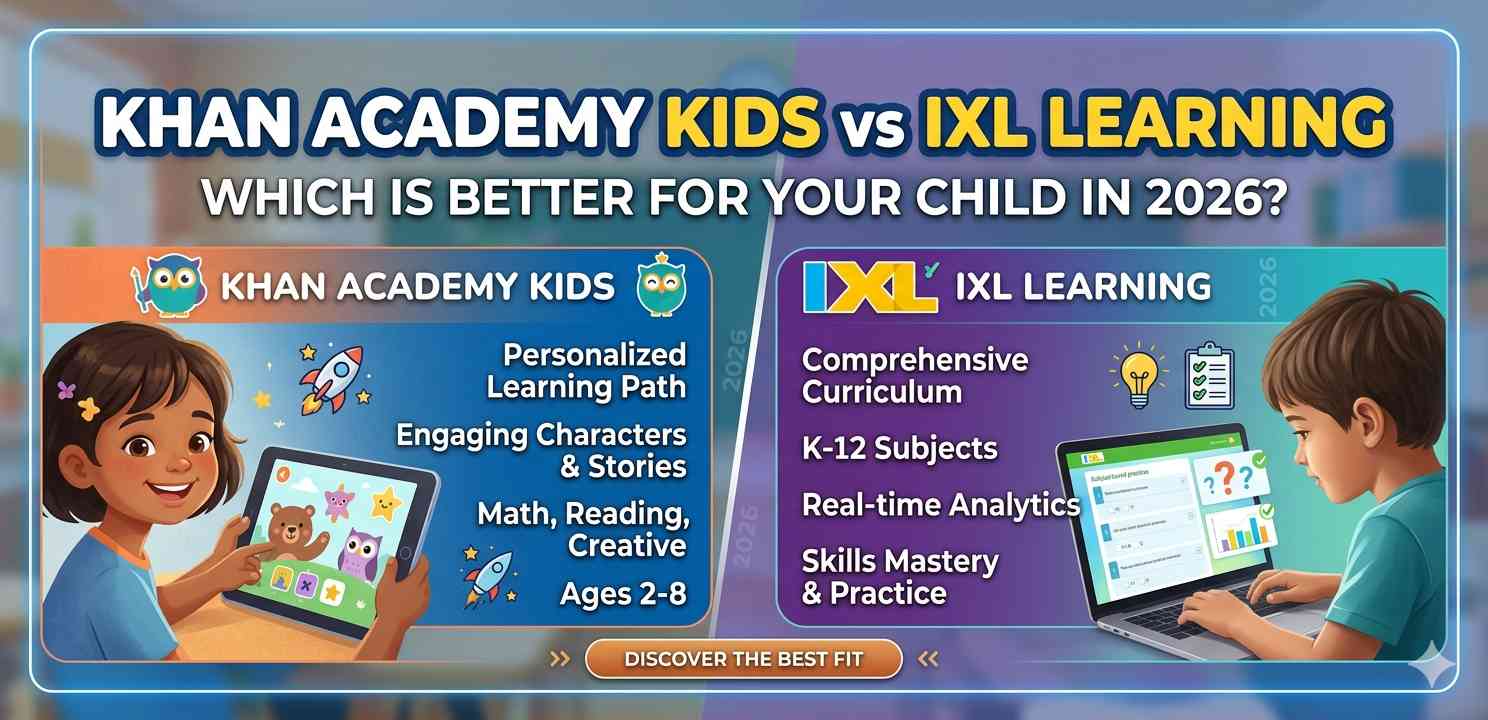
IXL is a paid platform that closely follows school curricula across maths, English, science, and social studies. It’s particularly popular with parents who want their child’s extra practice to align directly with what they’re learning in class.
The platform provides detailed reports showing exactly where a child is strong and where they’re struggling. It’s one of the more data-rich online learning platforms for kids, which makes it useful for targeted revision before tests or exams.
Best for: Ages 5–18, school-aligned subjects Cost: Paid (monthly or annual subscription)
8. ABCmouse — Comprehensive Early Learning
ABCmouse is designed for the youngest learners — primarily preschool through early primary school. It covers reading, maths, science, and art through animated activities, songs, and books. The interface is colorful and welcoming, and children can navigate it independently fairly quickly.
One thing parents often mention is how much content is packed in — over 9,000 activities at last count. It does require a subscription, but the breadth of content makes it reasonable value for families with young children.
Best for: Ages 2–8, early learning Cost: Paid subscription
You can compare early childhood learning tools at PBS LearningMedia, which also offers many free teacher and parent resources.
9. National Geographic Kids — Science and World Learning
Not every learning experience needs to look like a classroom. National Geographic Kids offers articles, videos, games, and quizzes about animals, geography, science, and world cultures. It’s not a structured course platform, but it’s an excellent supplement to school learning.
For children who love animals or are curious about the world, it’s one of the most engaging free online learning platforms for kids out there. The content is well-researched, age-appropriate, and updated regularly.
Best for: Ages 6–14, science and geography Cost: Free (premium magazine available)
10. Coursera for Kids / Teen Programs — Advanced Learning
Coursera isn’t traditionally for children, but their beginner-level courses in technology, data, and business are accessible to motivated teenagers. Some families use it alongside traditional schooling to give older kids a head start on college-level thinking.
It’s worth noting that Coursera requires more self-discipline than the other platforms on this list. It’s best for teens aged 14 and above who are genuinely self-motivated learners. Financial aid is often available for many courses, making it accessible even on a tight budget.
Best for: Ages 14–18, advanced topics Cost: Free to audit (paid for certificates)
How to Choose the Right Platform for Your Child
With so many online learning platforms for kids available, the decision can feel overwhelming. Here are a few practical questions to guide your choice:
What subject does your child need most help with? Some platforms focus specifically on maths or reading. If your child needs general support, a broader platform like Khan Academy may be better.
How old is your child? Platforms for 5-year-olds look and feel very different from those for 15-year-olds. Always check the recommended age range.
Does your child prefer guided lessons or open exploration? Some kids thrive with structure (IXL, Tynker), while others learn better when they can freely explore (Scratch, National Geographic Kids).
What’s your budget? Free platforms like Khan Academy, Scratch, and Duolingo ABC offer genuine, high-quality learning at no cost. Paid options usually add live instruction, personalised feedback, or more content variety.
Free vs. Paid: Is Paying Worth It?
This question comes up a lot. The honest answer is: it depends on what your child needs.
Free platforms often cover the basics very well. Khan Academy, for instance, is used by millions of children worldwide and has helped students ace competitive exams. You don’t need to pay to get value.
Paid platforms tend to shine when you want live interaction (Outschool), highly personalised tracking (IXL), or creative project-based learning (Tynker). If your child has a specific gap or a particular passion, a paid platform might be worth the investment.
Start with free options. If your child loves one and wants more depth, then consider upgrading.
Final Conclusion
Choosing among online learning platforms for kids doesn’t have to be stressful. The ten platforms reviewed here cover a wide range of ages, subjects, and budgets. Whether you’re looking for free maths practice, live classes with real teachers, early reading support, or an introduction to coding, there’s a strong option on this list.
Start by identifying what your child actually needs — not just what looks impressive. A focused, consistent platform used regularly will always outperform the fanciest tool your child barely touches. Try a free option first, see how your child responds, and go from there.