 editer@kidkosh.in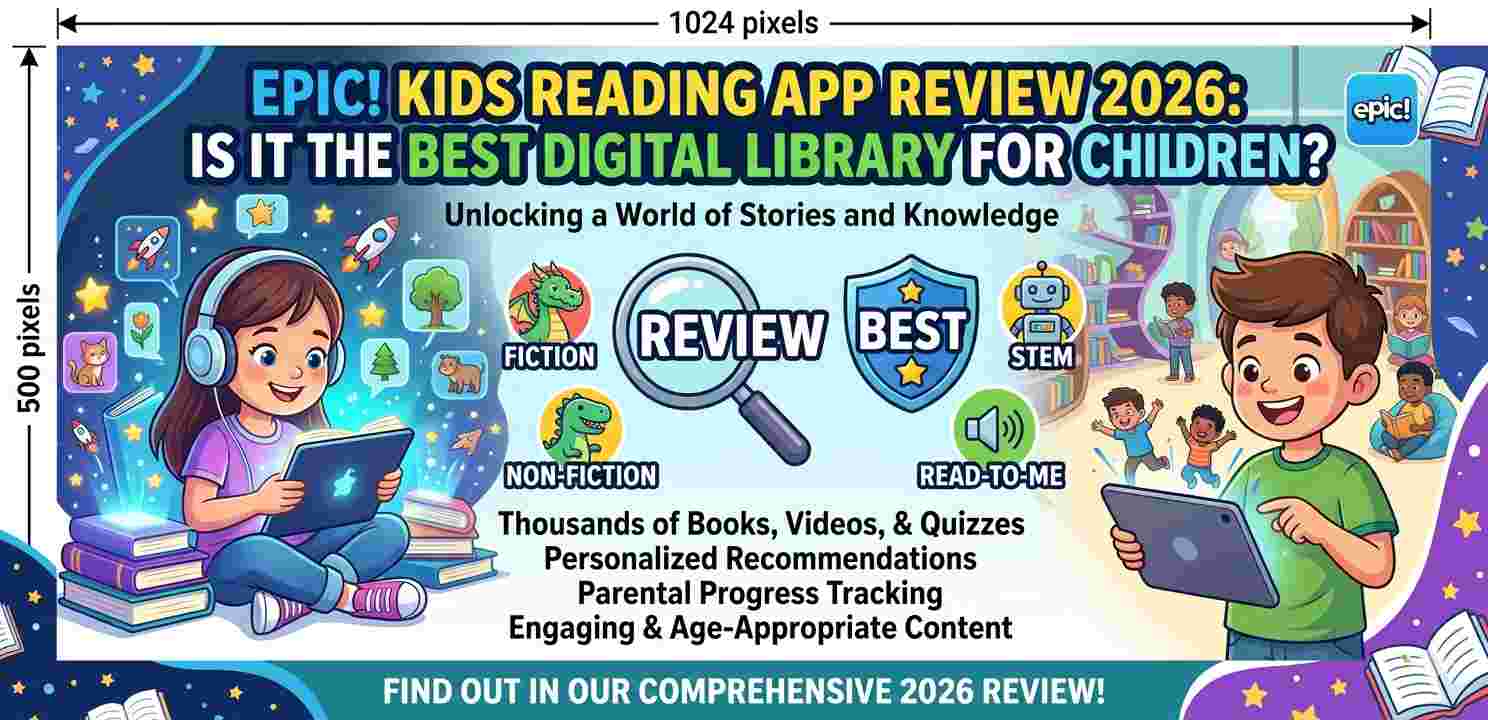
If you’ve been searching for a reading app your child will actually enjoy opening, chances are you’ve already heard about the Epic! Kids Reading App. It keeps showing up in parent forums, school newsletters, and app store recommendations — and honestly, for good reason. But is it really worth subscribing to in 2026? Let’s walk through it properly.
What Is the Epic! Kids Reading App?
At its core, the Epic! Kids Reading App is a digital library designed for children aged 2 to 12. It gives kids access to thousands of books, audiobooks, learning videos, and read-along titles — all inside one clean interface.
Think of it like Netflix, but for children’s books. Instead of picking up a physical book from a shelf, your child opens the app and sees a colorful grid of titles sorted by age, genre, and reading level.
It works on Android phones, tablets, iPads, and web browsers — so it’s pretty flexible in terms of device support.
How the Epic! Kids Reading App Works
Setting up the Epic! Kids Reading App is straightforward. You create a parent account, then add child profiles with individual reading levels and age settings.
Once a profile is active, the app uses that information to show relevant books. A five-year-old’s home screen looks very different from a ten-year-old’s, which is a nice touch.
The reading experience itself is clean. Books open in a full-screen view, text is easy to read, and illustrations load quickly even on slower Android connections. For younger kids, the read-aloud feature narrates the text as words get highlighted — similar to how a teacher might read during storytime.
Content Library: What’s Actually Inside?
This is where the Epic! Kids Reading App really earns attention. As of 2026, the library includes:
- Over 40,000 books across fiction, non-fiction, poetry, and picture books
- Audiobooks narrated by professional voice artists
- Learning videos on science, history, and creative topics
- Read-to-me books for early learners who can’t read independently yet
- Quizzes and comprehension questions after some books
Popular publishers like National Geographic Kids, DK, and Scholastic have content in the app. So you’re not getting random, low-quality titles — these are books you’d actually find in a school library.
Is the Epic! Kids Reading App Good for Beginners?
Yes, and this is one of its strongest points. The Epic! Kids Reading App categorizes books by reading level — not just by age — which makes it easier for a parent to find something appropriate.
For a child just learning to read, the app has short, simple books with large text and basic vocabulary. As they improve, more complex titles naturally become part of their suggestions.
There’s also a feature that tracks what each child reads, how long they spent reading, and which books they finished. Parents can check this in the parent dashboard — which is genuinely useful, not just a marketing feature.
Epic! Kids Reading App: Pricing in 2026
Here’s where some parents hesitate. The Epic! Kids Reading App has a free version and a paid subscription.
Free access is available for educators and classroom use — teachers can get full access at no cost, which is a thoughtful move by the company.
For home use, the subscription costs around $9.99 per month or roughly $79.99 per year. There’s usually a free trial period, so you can test it before committing.
Is that reasonable? For 40,000+ books across multiple child profiles, it’s actually quite fair compared to buying physical books. One chapter book at a bookstore can cost more than a week of the subscription.
What Parents Like About the Epic! Kids Reading App
After reading through parent reviews and community discussions, a few things come up consistently:
The variety is huge. Kids who “hate reading” often find something they enjoy because the selection is so broad — graphic novels, fact books, joke books, adventure stories. It doesn’t feel like homework.
The interface is child-friendly. Kids as young as four can navigate it without constant help. The icons are clear, the text is big enough, and nothing is cluttered.
Multiple profiles work well. Families with kids of different ages can use one subscription without the older child’s content showing up for the younger one.
What Could Be Better
No app is perfect, and the Epic! Kids Reading App has a few things worth mentioning.
Some parents note that the read-aloud narration quality varies depending on the book. Most are well-done, but a few sound a bit robotic — not terrible, but noticeable.
Also, the app works best with a stable internet connection. Offline reading is available, but you need to manually download books beforehand. On a spotty Android mobile connection, this can be slightly frustrating.
A small number of users have also mentioned that the recommendation algorithm doesn’t always feel perfectly tuned — sometimes suggesting books that are too easy or slightly above the child’s current level.
How Does It Compare to Other Kids’ Reading Apps?
The Epic! Kids Reading App sits at the top of this category, but it’s worth knowing what else exists. Apps like Kindle for Kids, Raz-Kids, and Literably each have strengths, but none match Epic’s combination of library size, ease of use, and price point for home users.
Raz-Kids, for example, is excellent for leveled reading practice — but it’s more structured and less fun-feeling. Epic strikes a better balance between learning and enjoyment, which matters a lot when you’re trying to build a reading habit in a child.
You can explore Common Sense Media’s guide to kids’ reading apps for independent comparisons, or check out American Library Association’s digital reading resources to understand what quality children’s literature looks like in digital form.
Is the Epic! Kids Reading App Safe?
Yes. The Epic! Kids Reading App is COPPA compliant, meaning it follows US child privacy laws. There are no ads shown to children, no in-app purchases for kids, and content is moderated.
Parents control the account entirely. Kids can’t change settings, add books outside their reading level without permission, or access anything that hasn’t been filtered by the profile settings.
For parents on Android, you can also pair it with your device’s built-in parental controls for an extra layer of oversight — though the app’s own controls are genuinely solid on their own.
Tips for Getting the Most Out of It
If you do try the Epic! Kids Reading App, a few practical things help:
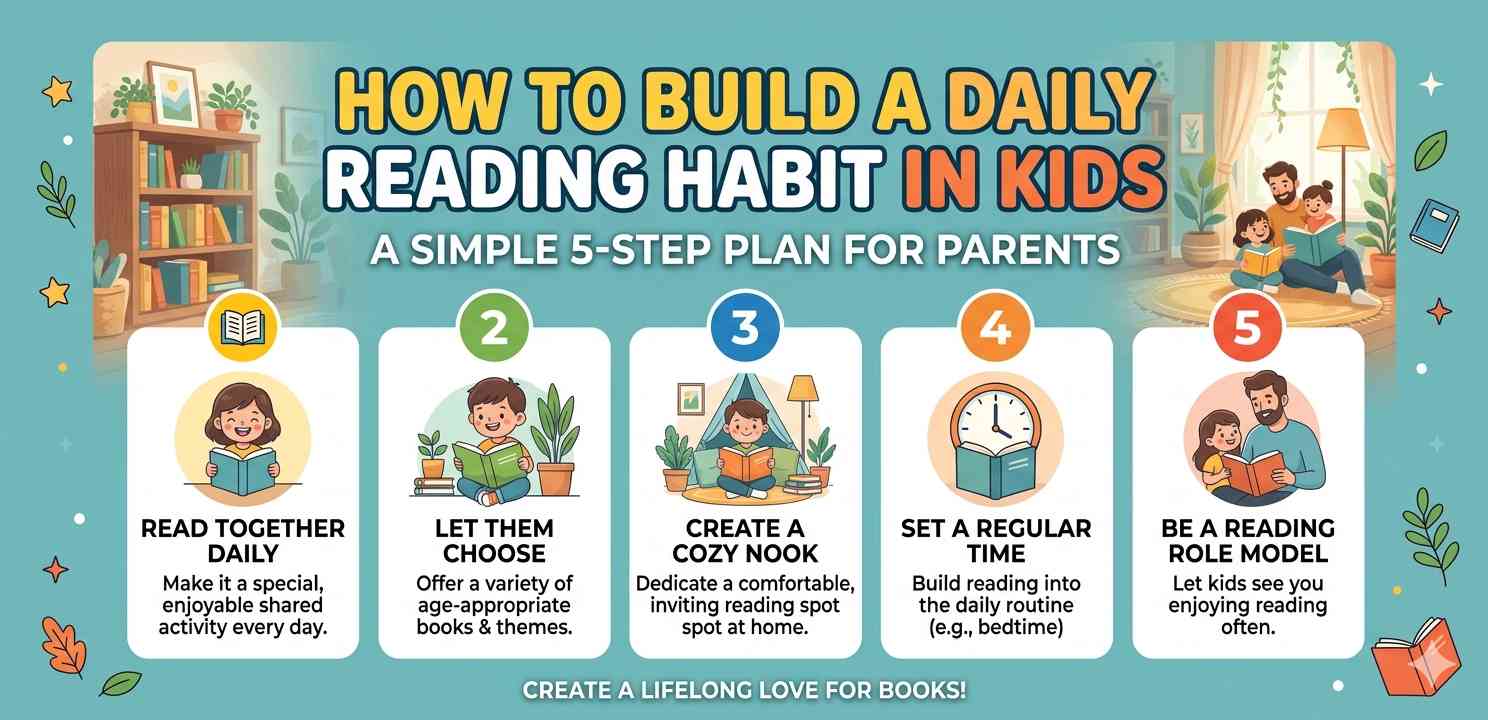
Set aside 15–20 minutes of reading time daily. Consistency builds habit faster than long weekend sessions. Let your child choose their own books — it increases engagement significantly. Check the parent dashboard weekly to see what they’ve finished and what they abandoned.
Also, don’t skip the audiobooks. For reluctant readers, listening while following along text is a gentle bridge toward independent reading.
If you’re also exploring how Android’s built-in tools can support your child’s learning, take a look at how to manage screen time on Android for practical setup guidance. And for balancing reading with overall device habits, it’s worth reading about setting up healthy digital routines for kids through trusted resources.
Final Conclusion
The Epic! Kids Reading App in 2026 remains one of the most complete, well-designed digital reading platforms available for children. It’s not just a collection of random e-books — it’s a thoughtfully built library with parental oversight, age-appropriate filtering, and enough variety to keep even reluctant readers interested.
For families who want to encourage reading without turning it into a chore, this app does the job well. The pricing is fair, the content is quality, and the experience across Android devices is smooth.
It’s not flawless — the offline experience could be smoother, and narration quality isn’t consistent everywhere — but these are minor issues in an otherwise strong product. If you’re deciding between digital reading options for your child, the Epic! Kids Reading App deserves serious consideration.